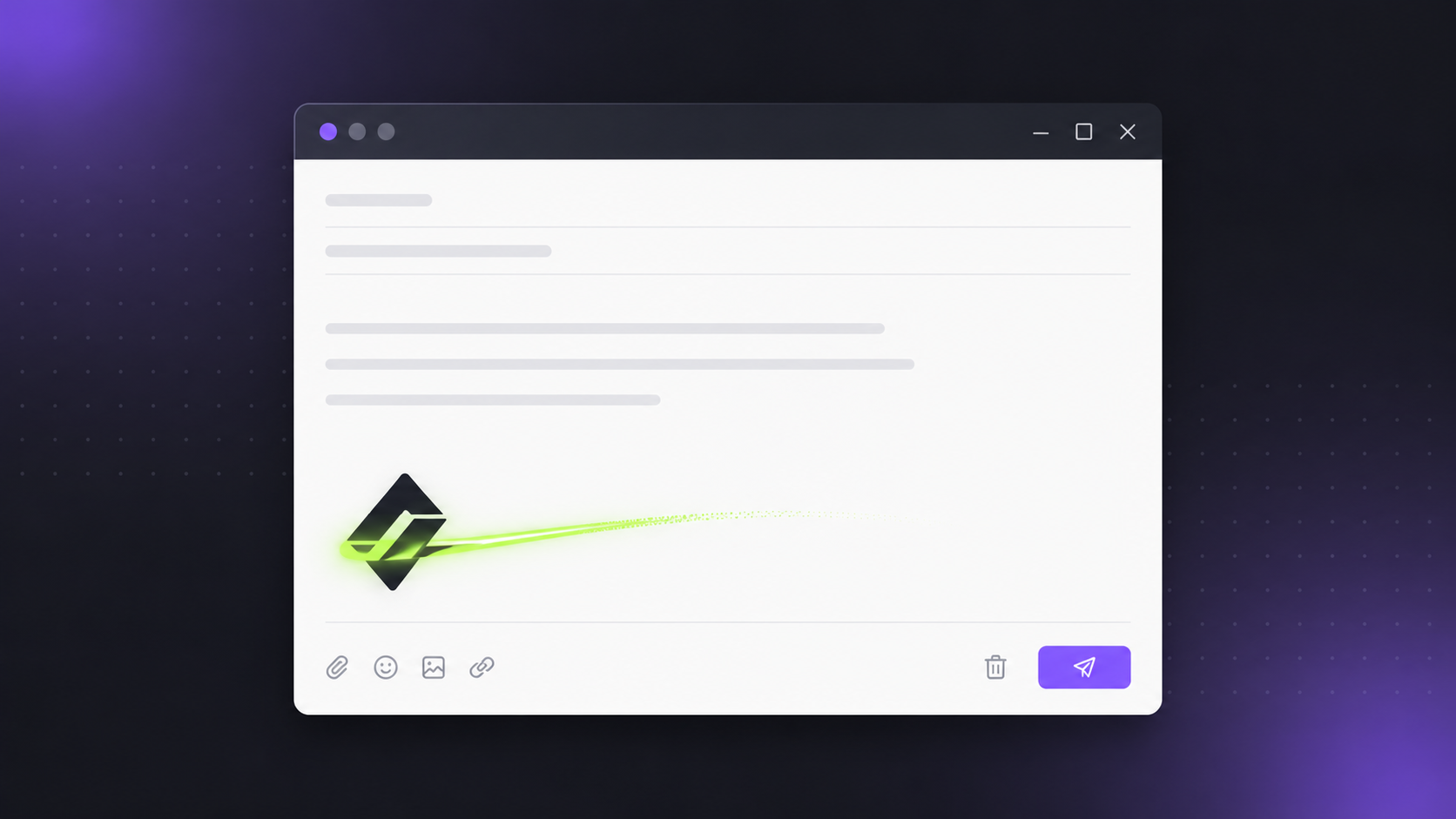
A logo that moves catches the eye in a way a flat image never will, and the one place almost nobody uses one is the email signature, which is a shame, because you send dozens of emails a day. A subtle animated logo at the bottom of every message is free brand exposure on autopilot.
The catch is that email is fussy about motion. Below is exactly how animated email signatures work, how to make one for free in a couple of minutes, and how to install it in Gmail, Outlook and Apple Mail.
Why your signature needs a GIF (not a video)
Email clients strip out anything that could be a security risk or a bandwidth hog. That means no video, no CSS animation, and no JavaScript will ever play inside an email. The only format that reliably animates across Gmail, Outlook, Apple Mail and the rest is the humble animated GIF.
So the goal is simple: turn your logo into a short, lightweight, looping (or play-once) GIF. If you want the full rundown of which format belongs where, we compared them all in Lottie vs GIF vs MP4 , but for signatures, GIF is the answer.
Make one in two minutes (free, no watermark)
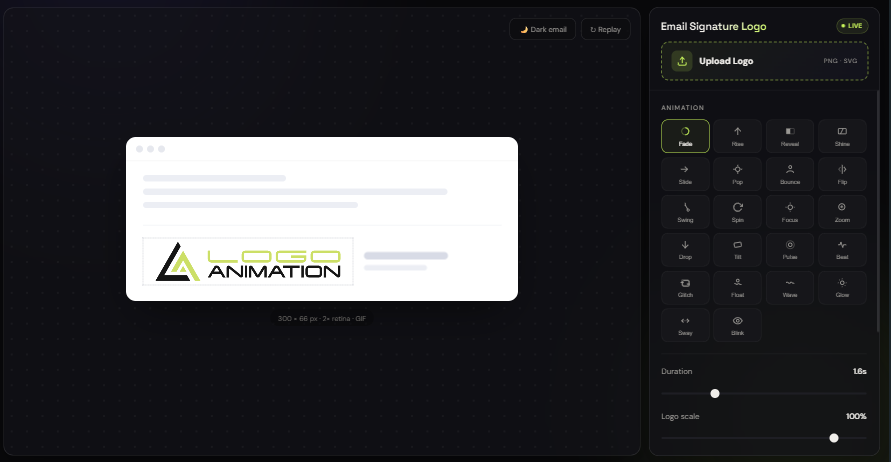
Our Email Signature Logo Animator is built specifically for this. Everything runs in your browser, nothing uploads anywhere, and there is no watermark or signup for the export. Here is the whole process:
- Upload your logo. A transparent PNG or an SVG gives the cleanest result. The preview drops it into a mock email so you see exactly how it lands in a real inbox.
- Pick an animation. There are twenty-two logo-tuned presets. For a signature you usually want something quiet: Fade, Rise, Reveal or Shine read as professional. Save the punchier ones like Bounce, Glitch or Pop for social posts.
- Tune the timing. Set the duration, choose whether it plays once or loops, and scale the logo until it sits nicely.
- Choose a background. White matches most email themes, transparent works if your signature sits on a coloured block, or pick a custom colour.
- Export the GIF. Download it and you are done.
Three rules for a signature that looks expensive
Keep it subtle
A signature GIF should whisper, not shout. A single graceful reveal or a slow shine loop looks polished. A logo that spins forever looks like a 2005 web banner. When in doubt, choose the calmer preset.
Mind the first frame
Some email clients, Outlook desktop being the usual culprit, show only the first frame of a GIF and never animate it. That is why our tool makes frame one your finished, fully-visible logo whenever the animation plays once. Recipients on a client that blocks motion still see a clean, complete logo instead of an empty box.
Design the first frame to look good on its own, and your signature works everywhere: animated where it can be, static where it can't.
Keep the file small
Big GIFs get clipped by Gmail, slow to load, and can trip spam filters. Aim for roughly 300px wide and a few seconds of motion. If your export is heavier than you'd like, run it through our free GIF Compressor , the full sizing recipe is in how to compress a GIF for email, Discord and the web.
How to install it in your email client
Gmail
Host the GIF somewhere with a public URL (your website, or any image host). Then open Settings → See all settings → General → Signature, click the image icon, and paste the URL. Gmail doesn't animate GIFs you upload directly from your computer, so the hosted-URL route is the reliable one.
Outlook
Outlook on the web supports animated GIFs added by URL in the signature editor. Outlook desktop shows the first frame only, which is exactly why the Outlook-safe first frame above matters. Insert the image into your signature under File → Options → Mail → Signatures.
Apple Mail
Drag the GIF straight into the signature box in Mail → Settings → Signatures. Apple Mail animates it without any extra steps.
When you want more than a signature
The signature tool keeps things deliberately simple. When you need serious creative control, three of our other free studios take over:
- Logo Animator : 120+ animation effects for any PNG, JPG or SVG, with live preview and export to GIF or MP4 for social, video and the web.
- SVG Animator Pro : a timeline studio that splits your SVG into layers and animates each one with its own intro and outro, then exports crisp 1080p HD video.
- Signature Animator : writes your handwritten signature or name stroke by stroke like a pen, from a photo or a typed name, and exports an MP4 or a GIF. Older Outlook shows only the first frame of a GIF, which is still blank there, so for Outlook the tool above stays the safer pick.
All three are free to use in the browser, just like the signature animator.
Wrap-up
An animated email signature is one of the cheapest branding wins going: make it once, and it works on every email you'll ever send. Keep the motion subtle, keep the first frame clean, keep the file light, and let the tool do the rest.