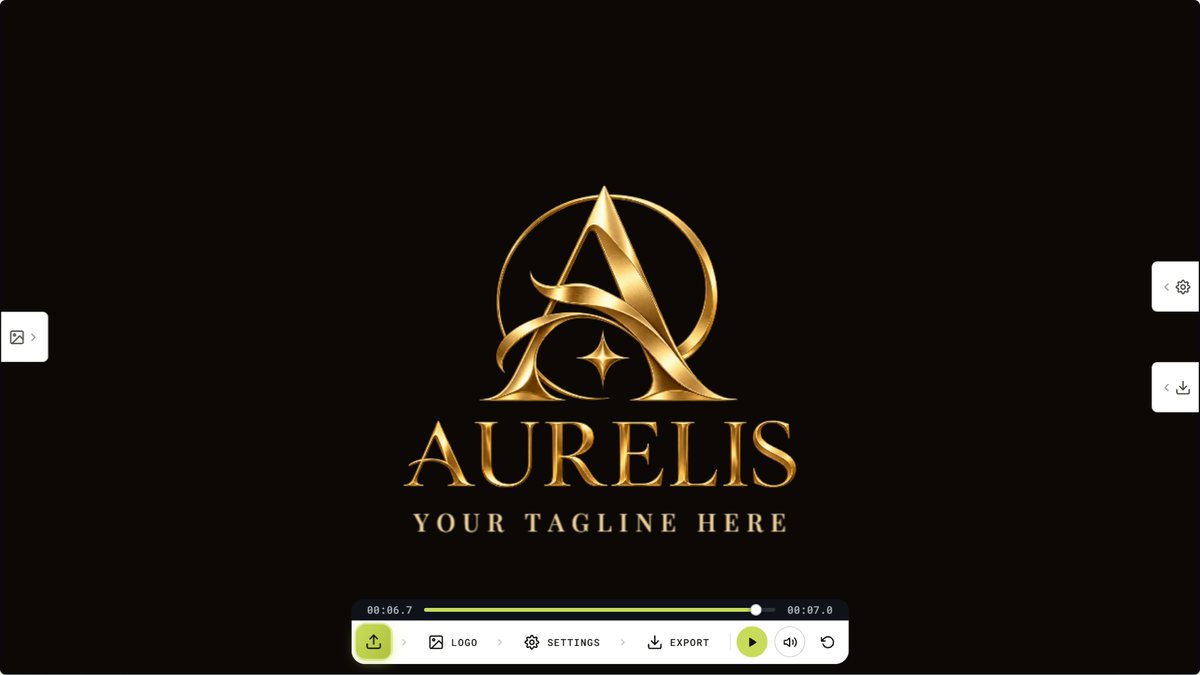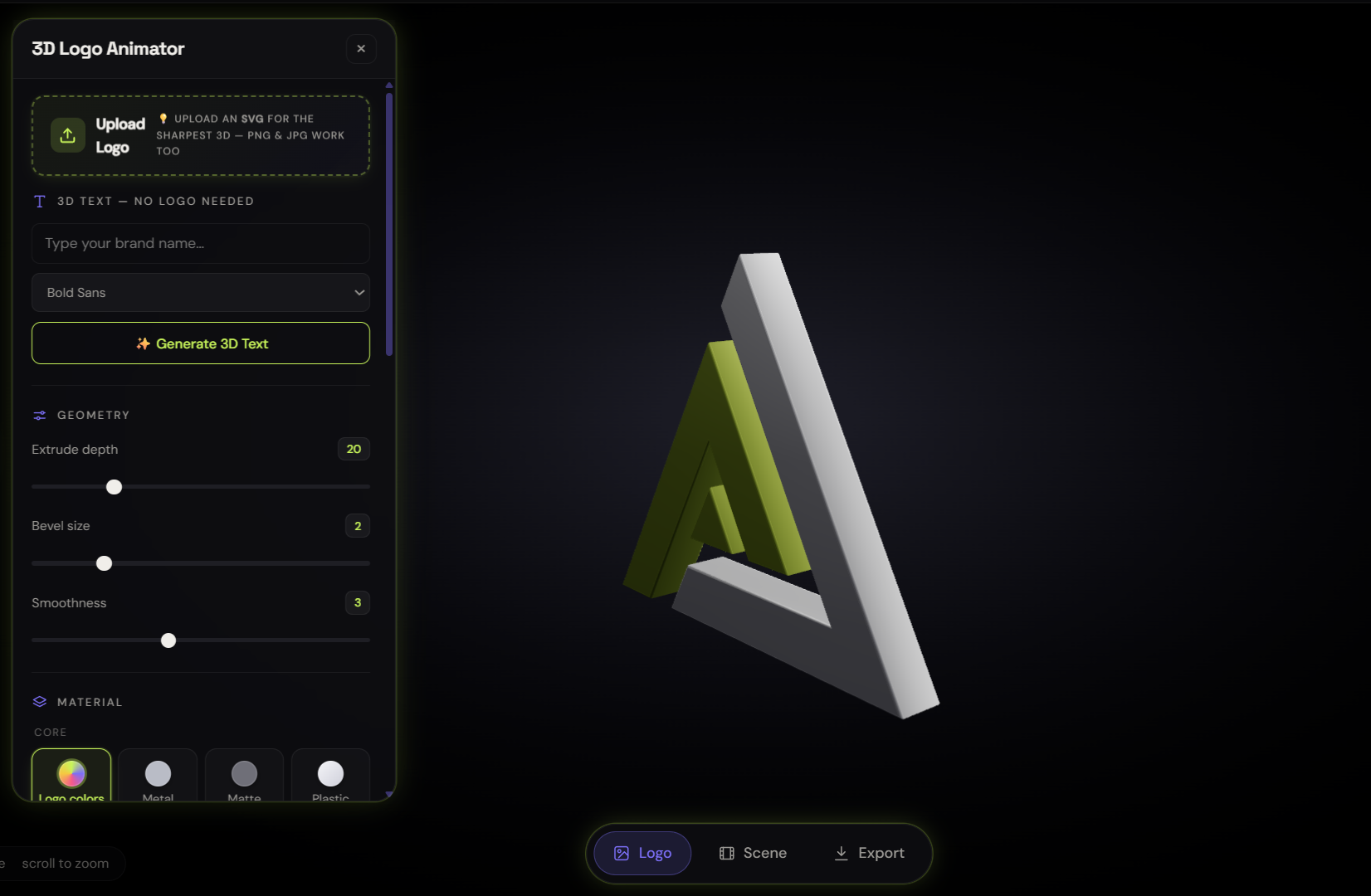
We just rebuilt our most ambitious tool from the ground up. The 3D Logo Animator now runs on a completely new rendering engine: the kind of studio-lit, tone-mapped 3D you'd expect from desktop software, inside a full-screen browser player. Upload a logo or just type your brand name, and seconds later you're orbiting around it in real 3D: forty animations, thirty-plus materials from brushed gold to flowing lava, cinematic lighting, and exports sized for everywhere from YouTube to Reels. Here's what's new, how it works, and the one upload habit that makes your logo look twice as good.
Real 3D, not a fake perspective trick
Plenty of "3D logo" tools just skew a flat image and call it depth. This one builds actual geometry: your logo is traced into vector outlines and extruded into solid 3D shapes : real side walls, beveled edges that catch the light, and the holes inside letters preserved correctly. The new engine renders it under a proper studio environment (soft-box reflections, filmic tone mapping), which is why metals genuinely gleam and glass genuinely refracts instead of looking like tinted plastic. Drag to orbit, scroll to zoom: it's a live 3D scene, not a video preview.
Three ways in: image, SVG, or just type
- Type your brand name. No logo file needed, the 3D text generator turns any short text into extruded 3D in your choice of four typefaces. Startups pre-logo, streamers, event titles: this is your thirty-second 3D wordmark.
- Upload an SVG for the sharpest result. Vector files skip the tracer entirely: the engine extrudes your actual paths, perfectly smooth at any zoom, and multi-color SVGs keep their colors, each shape built in its own hue. If your logo only exists as a PNG, our free PNG to SVG converter gets you a vector in a minute.
- PNG and JPG work too. The tracer reads the shape from transparency or contrast. A transparent PNG traces cleanest; bold marks beat fine hairlines.
The habit that pays: feed it vectors. SVG in means flawless curves out. It's the difference between "made in a browser" and "made in a studio."
Forty animations, from spins to full choreography
All the classics are here: rotations, bounces, floats, flips, pendulums, plus showcase motions like levitate, jelly, breathe and glitch, and three cinematic camera moves where the logo holds still while the camera orbits, dollies or cranes around it. The standouts are the choreographed set: Assemble flies your logo's shapes in from all directions and locks them together, Explode blows them apart on a heartbeat, and Wave, Cascade and Helix ripple motion across the shapes one by one. A speed slider tunes everything from subtle idle motion to full intro energy.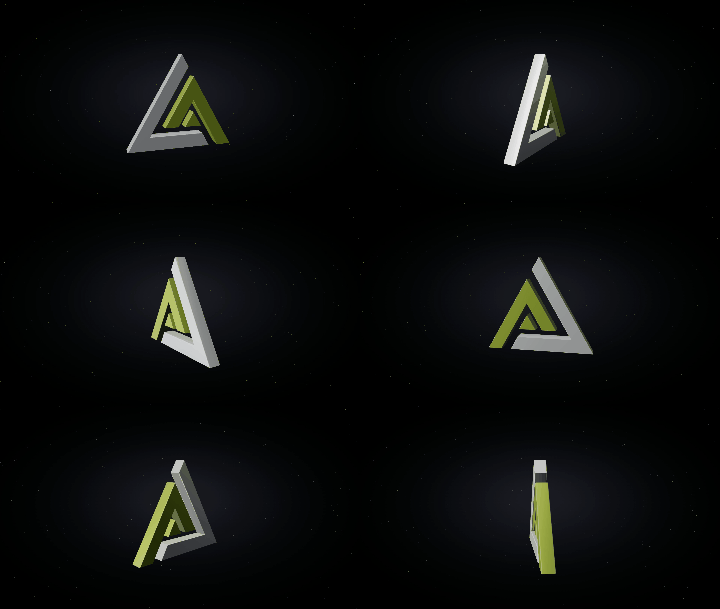
Thirty-plus materials, including six brand-new patterns
The material library covers the essentials: gold, chrome, copper, glass, neon, matte, carbon fibre, pearl, ruby, emerald, wireframe, a hue-cycling holographic, plus six gradient finishes and abstract textures. New this week: Rainbow (holographic foil with iridescent sheen), Lava (molten blobs that genuinely glow under bloom), Marble (veined polished stone), Galaxy (nebula clouds and stars), Camo, and Waves. Patterns flow continuously across every letter and wrap down the extruded sides. No tiling seams. Prefer a flat brand color? Pick it from the swatches and it cleanly replaces whatever material was on, with a separate face-color control for two-tone looks.
Set the scene like a product shoot
Six lighting presets (the tool now opens in Dramatic : one hard key light and deep shadow, the look that makes metal pop), four camera presets, studio floors (soft shadow, glossy mirror disc, or a neon grid), and particle atmospheres: drifting dust, a star field, or twinkling sparks. There's a bloom slider when you want neon and lava to properly glow, and background options from solid colors to gradients. It all lives in floating glass panels that slide off-screen when you want the full-bleed view: the whole tool is a full-screen player now, not a cramped widget.
Exports built for where they'll be posted
Previewing everything is free with no account. Exporting uses credits (you get free credits at signup):
- Still PNG, 2 credits. 1920×1080, capturing exactly your current view, with a transparent-background option for decks, thumbnails and site heroes.
- Video, 4 credits. Up to 10 seconds of full-HD MP4/WebM in 16:9 for YouTube and websites or 9:16 for Reels, Shorts and TikTok, the vertical export reframes automatically so nothing gets cropped. Record the live scene as-is, or pick 360° loop and get exactly one full rotation timed to your clip length: a perfect seamless loop for a website header or a pinned post.
Where it fits in the toolbox
This is one of four animation studios in the free tools collection: the 2D logo animator with 200+ effects, the 3D coin maker that mints your logo onto a spinning gold coin (full guide here), the SVG timeline animator for path-by-path control, and now this. The complete toolbox roundup maps everything. And when you want motion design crafted by humans around your brand, that's the studio side.
FAQ
Is the 3D logo animator free?
The full tool is free to use with no account: upload or type, try every material, animation, lighting and floor. You only sign in to export: PNGs are 2 credits, videos 4, and new accounts get free credits.
Can I make a 3D logo without a logo file?
Yes. Switch to 3D Text, type your brand name, pick a font, and you have an extruded 3D wordmark in seconds. Everything else (materials, animations, exports) works exactly the same.
What file should I upload for the best quality?
An SVG: the engine extrudes your real vector paths, so curves stay perfect and multi-color logos keep their colors. PNG and JPG work well too, especially with a transparent background and bold shapes.
Can I export a vertical video for Reels or TikTok?
Yes. Choose 9:16 in the export panel and you get a 1080×1920 full-HD clip, automatically reframed so the logo sits centered with headroom. 16:9 landscape is there for YouTube and websites.
How do I get a perfect seamless loop?
Pick the 360° loop mode: the tool rotates your logo exactly one full turn across your chosen clip length, so the last frame lands where the first began: drop it on a loop anywhere and there's no visible seam.
Open the 3D Logo Animator, type your brand name, hit the Lava material with the bloom turned up, and try to close the tab. That's the test it usually wins.