Every tool on this list is free, runs entirely in your browser, and needs no signup to use. Your files never leave your device for the image tools, processing happens locally, which also means they're fast. Bookmark this page: it's the whole brand toolbox in one place, from animating your logo to generating favicons, compressing GIFs and building branded QR codes.
Animation tools
1. Logo Animator
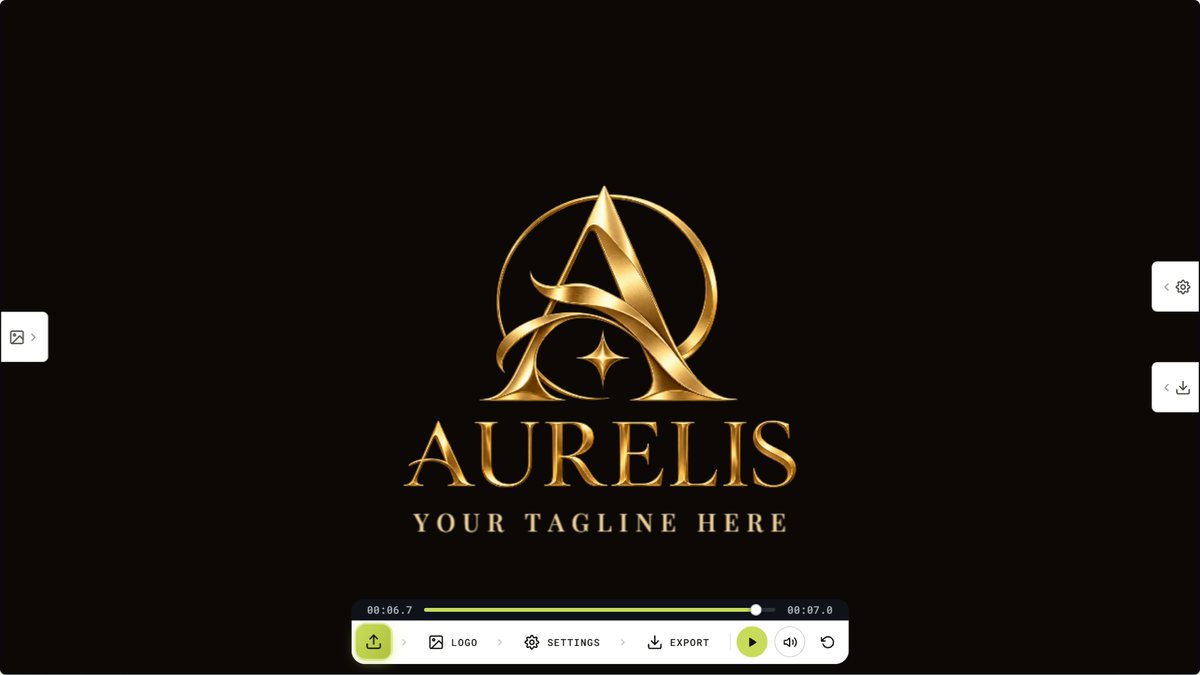
The flagship. Upload any logo and choose from 120+ animation effects with live preview, then export GIF or MP4 with no watermark. If you only try one tool here, make it this one. We've written a full walkthrough in how to animate a logo online free.
2. 3D Logo Animator
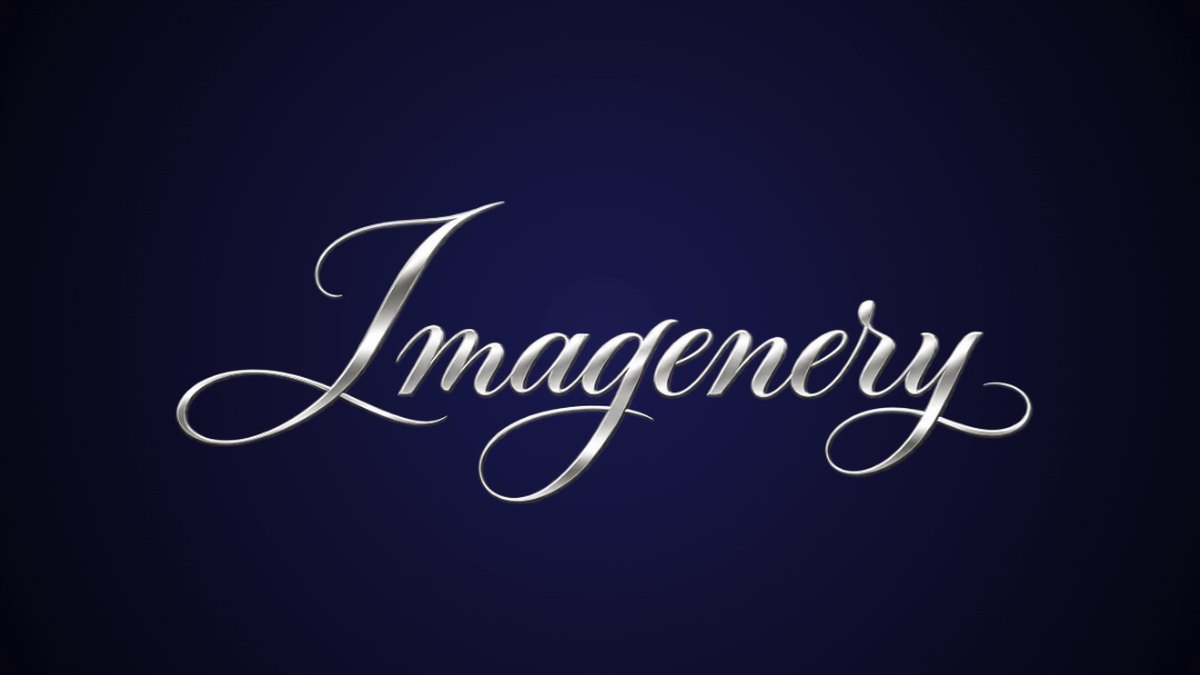
Extrudes your logo into real 3D with 68 animations and 45 materials: gold, chrome, glass, holographic, carbon and more, plus studio floors, particles and bloom glow. There's a 3D text generator built in too. Exports MP4 or PNG.
3. SVG Logo & Icon Animator
A timeline studio for SVG files: group elements into layers and give each its own intro and outro, exactly like a video editor. Exports 1080p HD video. The most precise way to animate a vector logo.
4. Text Animation Maker
Animated text stings for YouTube intros, Twitch overlays and reels: 8 animation styles, custom fonts and colors, live preview, HD export. No watermark.
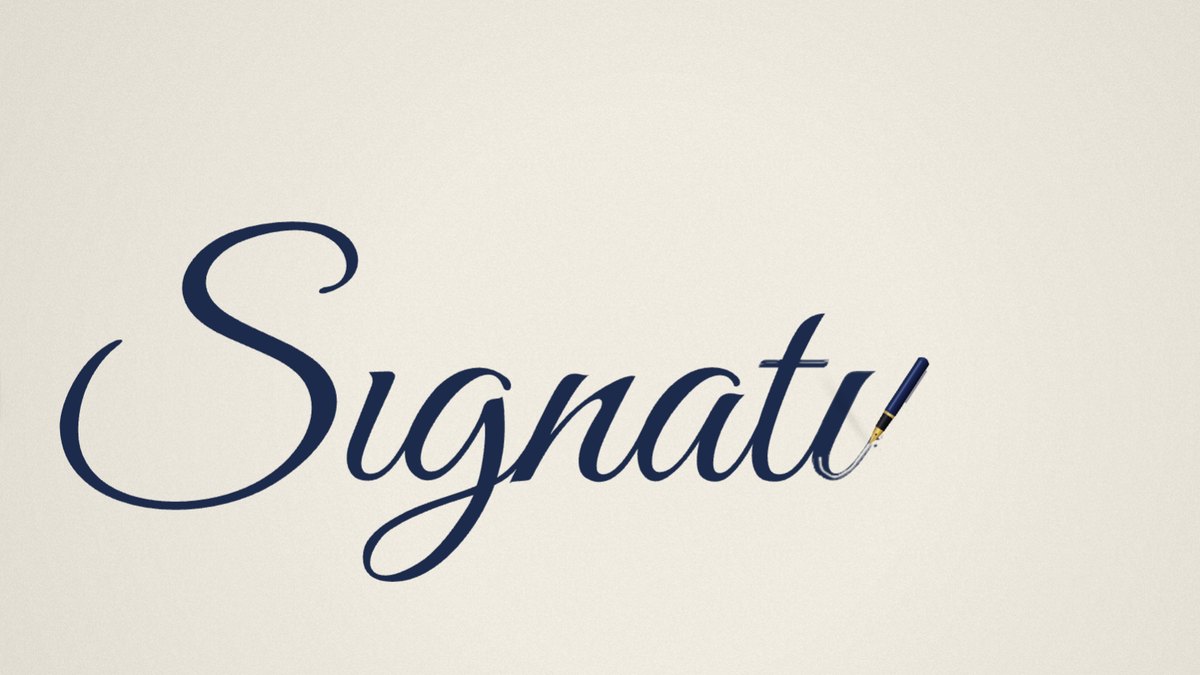
New: the Signature Animator writes a signature, a typed name or a script logo stroke by stroke, like a pen, and exports an MP4 or a GIF with no watermark.
Logo file utilities
5. Logo Background Remover
One click removes the background and gives you a transparent PNG, with tolerance and edge-softening controls for clean results. The first step before animating, printing on merch, or layering your logo over anything. Full guide: how to make a logo background transparent.
6. PNG to SVG Converter
Vectorizes a PNG or JPG logo into a scalable SVG, with color, smoothness and speckle-removal controls and a side-by-side preview. Essential when a client only has a small raster file and you need something that scales.
7. SVG Optimizer
Strips Inkscape and Illustrator metadata, rounds path precision and removes empty groups, often cutting SVG file size dramatically with zero visual change. The before/after preview proves it.
8. Favicon Generator
Turns your logo into a complete favicon pack in seconds: favicon.ico, 16×16, 32×32, Apple touch icon, Android Chrome icons, the web manifest and the exact HTML snippet to paste into your site.
Social and marketing tools
9. Social Media Logo Resizer
Resizes your logo for every platform at once: YouTube, Instagram, X, LinkedIn, TikTok, Twitch, Discord, Facebook, app icons and OG images: correctly sized, safe-area aware, and delivered as one ZIP.
10. QR Code Generator with Logo
Branded QR codes with your logo in the centre, custom colors and rounded dots. Exports high-res PNG and vector SVG, plus an animated pulsing version for video. Guide: how to make a QR code with your logo.
11. Brand Color Palette Extractor
Drop in a logo and get its exact colors as hex codes with dominance percentages, WCAG contrast hints, and one-click export to CSS variables or a Tailwind config. Perfect for building a style guide from an existing mark.
Video and GIF tools
12. GIF Compressor
Shrinks heavy GIFs with scale, fps and quality controls and a live size comparison, and converts MP4 to GIF and back. See how to compress a GIF for Discord, email and the web.
13. Video Cropper
Drag a crop frame over your video, snap to 16:9, 9:16, 1:1, 4:3 or 4:5, and export MP4 or WebM with the audio kept. No upload, the video never leaves your machine.
14. Lottie Previewer & Converter
Preview Lottie .json animations, scrub frame by frame, test on any background, inspect fps and duration, then convert to GIF or MP4/WebM when you need the animation somewhere Lottie isn't supported.
A workflow that ties them together
Here's how the tools chain for a typical small-business brand refresh:
- Remove the background from the logo file you were given.
- Convert it to SVG so it scales cleanly, then optimize the SVG.
- Extract the brand palette for your style guide.
- Generate the favicon pack and resize for every social platform.
- Animate the logo for the website, YouTube and email signature.
And when a project calls for motion that's designed rather than generated: custom easing, music, transparent overlays, 4K or Lottie, our studio makes custom logo animations from $25, delivered in about 48 hours.