You don't need After Effects, a subscription, or a watermarked trial to get a professional animated logo. Everything in this guide runs free in your browser: upload your logo, pick an effect, export a GIF or MP4, done. Below we'll walk through the four free animators on this site, when to use each one, and which export format to choose for YouTube, websites, email signatures and social media.
Option 1: The Logo Animator, 200+ effects, the fastest route
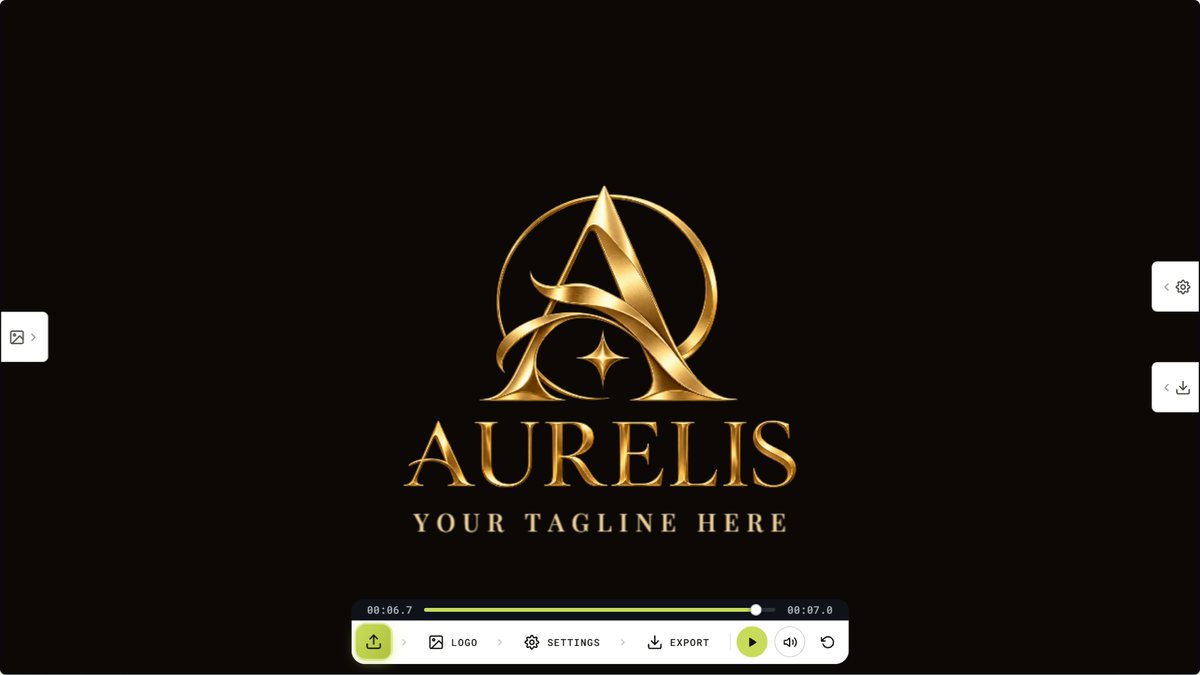
The free logo animator is where most people should start. It works with any PNG, JPG or SVG logo and gives you over 200 ready-made effects: reveals, bounces, glitches, draws, spins, fades and more, with live preview as you click through them.
- Upload your logo. A PNG with a transparent background looks best. If yours has a solid background, run it through the logo background remover first, it takes about ten seconds.
- Browse the effects. Click any effect to preview it instantly on your own logo. Subtle effects (soft reveals, gentle floats) suit professional brands; energetic ones (bounces, glitches) suit gaming and creator brands.
- Tune the timing. Adjust speed and duration until the motion feels natural: for most logos, 2–4 seconds is the sweet spot.
- Export. Download as GIF or MP4, with no watermark on either.
Option 2: The 3D Logo Animator, depth, materials and shine
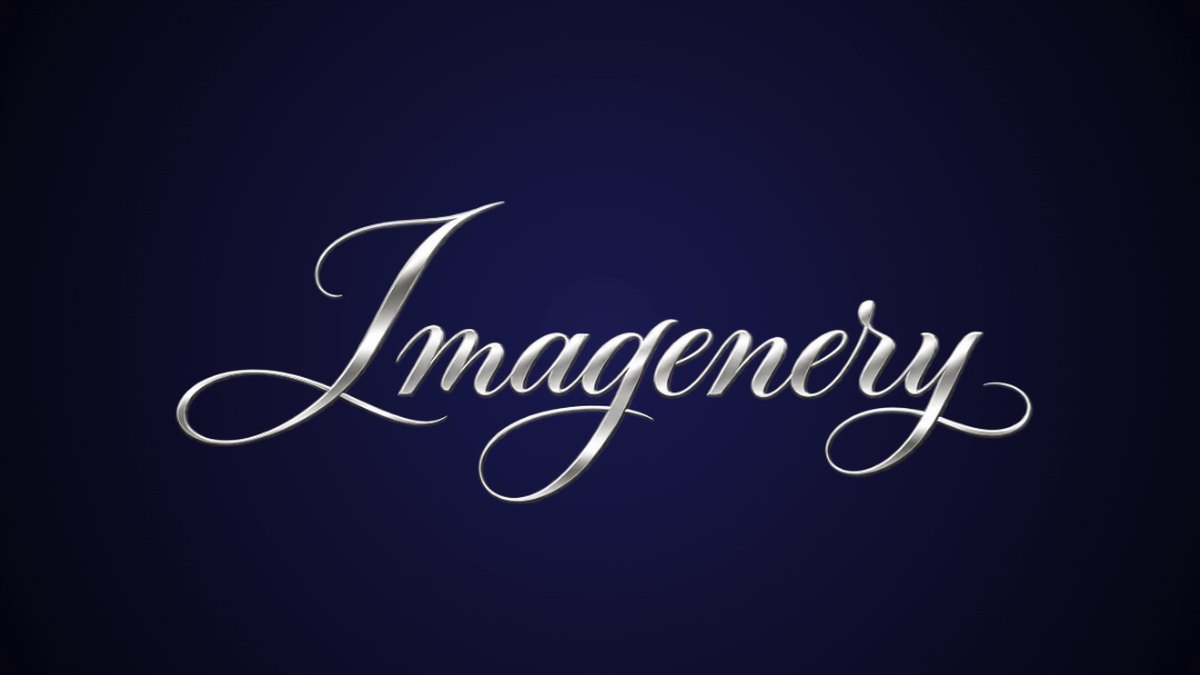
If you want your logo to look like a cinematic intro, the free 3D logo animator extrudes it into real 3D and lets you pick from 68 animations and 45 materials: gold, chrome, glass, holographic, carbon fibre and more. Add a studio floor, particles and bloom glow, or generate standalone 3D text. Export as MP4 video or a high-resolution PNG still.
3D suits logos with bold, simple shapes. Fine detail and thin lines can get lost in the extrusion, so if your logo is intricate, the flat animator above will usually read better.
Option 3: The SVG Animator, precise, layer-by-layer control
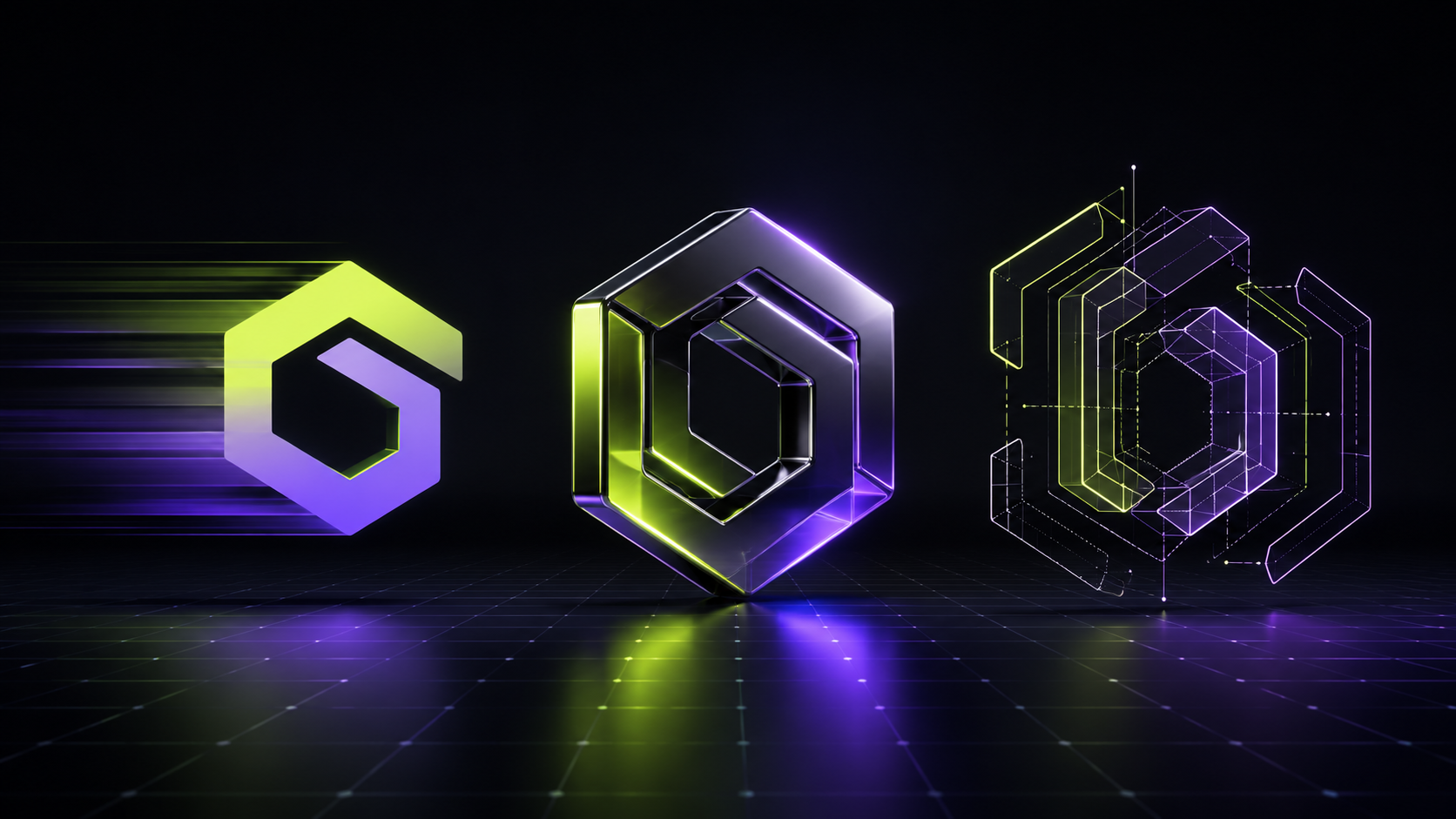
Got your logo as an SVG? The SVG logo and icon animator is a timeline studio: it splits your SVG into its individual elements, lets you group them into layers, and gives every layer its own intro and outro on a video-editor style timeline. The icon draws in, then the wordmark slides up, then the tagline fades, each on its own cue. Export as 1080p HD video.
Only have a PNG? Convert it first with the PNG to SVG converter, then animate the vector.
Option 4: The Signature Animator, for handwritten and script logos
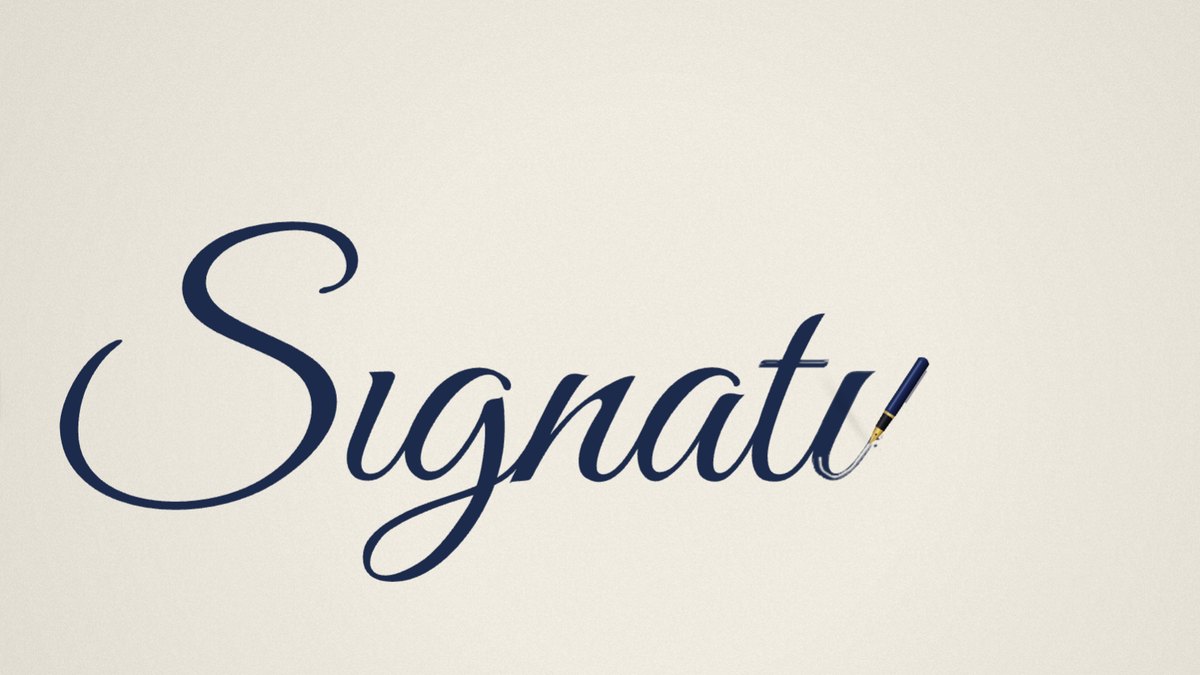
If your logo is a signature, a script wordmark or anything hand-lettered, the Signature Animator writes it on screen stroke by stroke, like a pen. It follows the centre line of every stroke, so it works on a photo of a signature on paper as well as on a logo file, and you can change the order, direction and speed of each stroke. Export an MP4 up to 4K or a GIF. The full walkthrough is in how to make a handwritten logo animation.
Which export format should you choose?
- MP4: best for YouTube intros and outros, presentations, and anywhere video is supported. Small file size, smooth playback.
- GIF: best for email signatures, websites and chat apps where video won't autoplay. If the file comes out heavy, the GIF compressor will shrink it without a visible quality hit.
- Transparent video (MOV): needed when the animation has to sit over other footage, like a stream overlay or a video edit. Transparent exports are part of our custom animation packages.
Tip: export both. Use the MP4 wherever video plays, and keep a compressed GIF as the universal fallback.
Where an animated logo actually earns its keep
A few seconds of motion does real work in all of these places:
- YouTube intros and outros, a consistent 2–3 second sting makes a channel feel produced.
- Website headers and loading screens, a subtle animated mark adds polish without slowing the page.
- Email signatures, a small looping GIF gets noticed in a wall of plain-text signatures.
- Social posts and reels, motion stops the scroll where a static logo won't.
- Pitch decks and webinars, an animated title slide sets the tone before you say a word.
When to go custom instead
The free tools cover most needs. But if you want motion designed specifically around your brand: custom easing, music, sound design, a transparent MOV for overlays, 4K, or Lottie/JSON for your website: a hand-crafted custom logo animation starts at $25 and is delivered in about 48 hours, with revisions included on every package.
Ready to try it? Open the free logo animator, drop your logo in, and you'll have an animated version before your coffee goes cold.