There's a reason every crypto launch, gaming community and premium brand reaches for the same visual: a heavy gold coin, logo struck into the metal, slowly spinning. It signals value without saying a word. Getting one used to mean Blender, Cinema 4D, or a designer's day rate, now it's a browser tab: our new free 3D coin maker turns any 2D logo into a spinning 3D coin in about thirty seconds, with real extruded lettering, six metals, and export as an HD still or a full-HD video sized for either YouTube or Reels. Here's the whole workflow, plus the logo-prep tricks that make the difference between "rendered" and "minted."
What makes this one actually 3D
Most "coin generator" tools paste your logo onto a disc like a sticker, a flat texture that falls apart the moment the coin turns. This tool does what 3D software does: it traces your logo into vector outlines and extrudes them into solid geometry. The letters and shapes physically stand off the coin face with vertical walls, beveled edges that catch the light, and the holes in letters like o, e and 3 preserved correctly. When the coin spins, highlights sweep across the raised letterforms exactly like they would on a real minted coin: because in the 3D scene, they genuinely are raised.
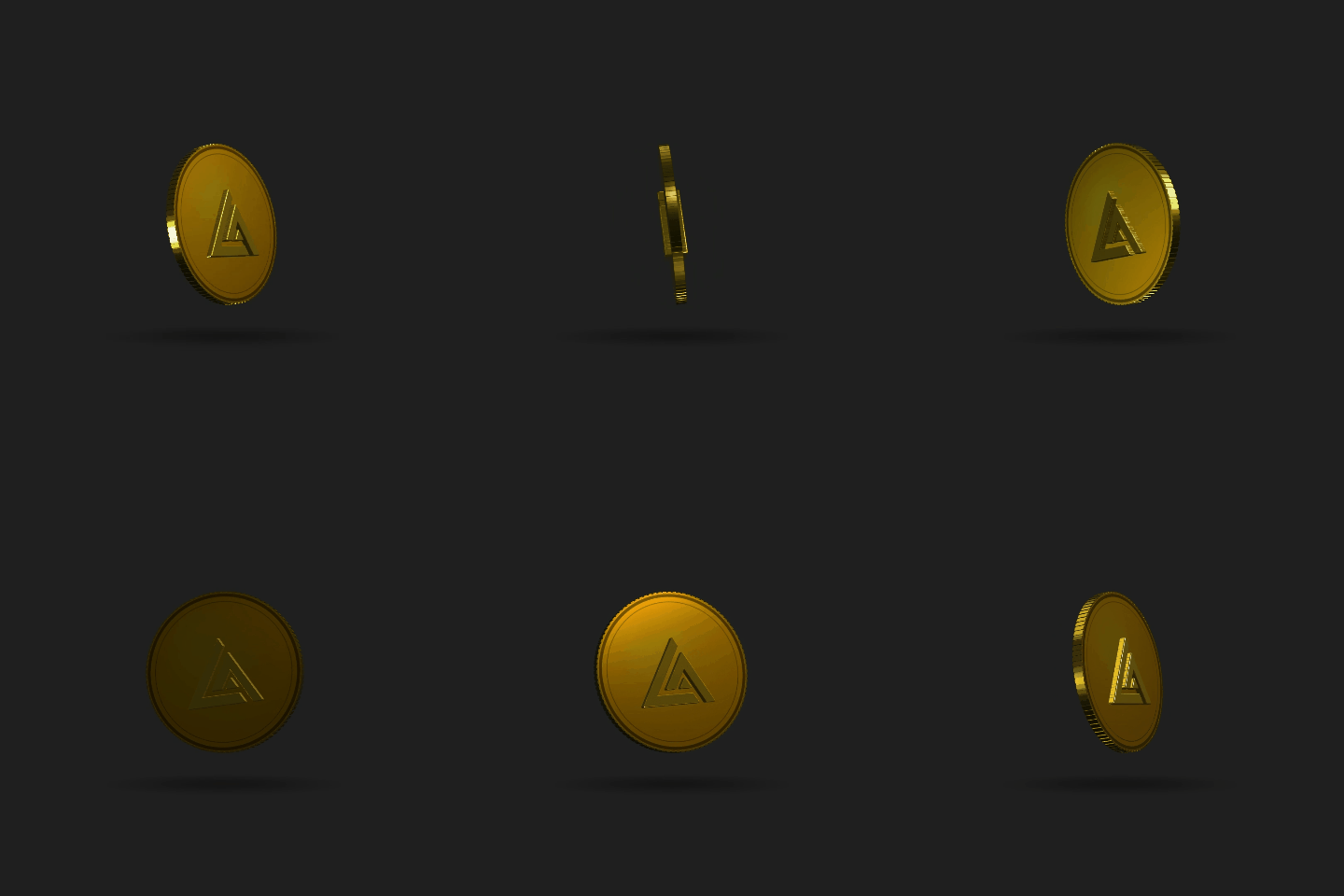
Thirty seconds, start to spinning
- Upload your logo , drop it on the Front side. A transparent PNG gives the cleanest trace; a logo on a plain background works too (the tool reads the shape from contrast). Got different art for each side? Upload a Back image separately, like a real coin: logo on the front, tagline or year on the back. Leave it empty and the front is used on both sides.
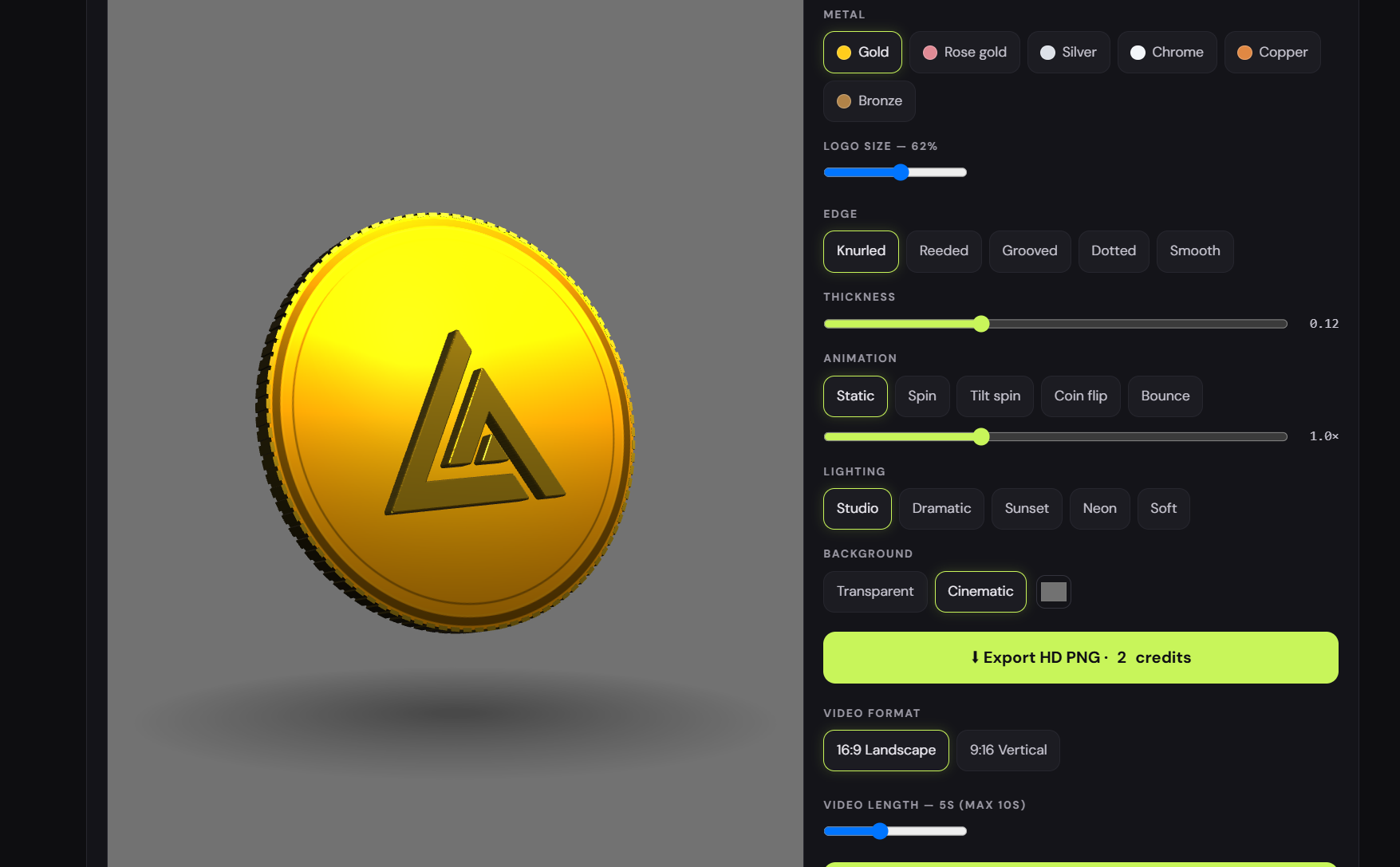
- Pick the metal : gold, rose gold, silver, chrome, copper or bronze. The coin face, edge and extruded logo all recolor together.
- Choose an edge : knurled, reeded (the dense milled ribs on a real quarter), grooved, dotted, or smooth.
- Set it moving : the coin starts as a still hero shot; switch to Spin, Tilt spin, Coin flip or Bounce and tune the speed. Drag to orbit the camera, scroll to zoom.
- Light it , five cinematic presets: Studio for a balanced product shot, Dramatic for one hard key light and deep shadow, Sunset, Neon, or Soft for a clean e-commerce look.
Everything above is free with no account: the full tool runs live in your browser, nothing uploads to a server.
Exporting: stills and platform-ready video
Two export paths, both a single click once you're signed in (new accounts get free credits):
- HD PNG still : a crisp 1600px render, with a transparent background option so the coin drops straight into decks, thumbnails and website heroes. Costs 2 credits.
- Full-HD video : up to 10 seconds of your chosen animation at 1080p, in your pick of 16:9 landscape (YouTube, websites, presentations) or 9:16 vertical (Reels, Shorts, TikTok, Stories). The vertical export automatically reframes so the coin sits centered with proper headroom. No cropped edges. Costs 2 credits, downloads as MP4 or WebM depending on your browser.
The 9:16 export is the sleeper feature: a five-second spinning gold coin with your logo is a scroll-stopping Reels intro, and it takes less time to make than reading this sentence.
Logo prep: three tricks for a cleaner coin
- Go transparent first. If your logo has a background baked in, thirty seconds in the free background remover gives the tracer a perfect alpha channel to work from.
- Bold marks mint best. Emblems, monograms and chunky wordmarks read beautifully in metal. Very fine strapline text is at the limit of what real coin relief can hold: if yours traces rough, use the Logo size slider to scale it up to 75–85% of the face and give the tracer more pixels to work with.
- Vector originals are gold. If you have the logo as an SVG, export a large PNG from it first (or make one with the PNG to SVG converter's reverse workflow): more resolution in, smoother curves out.
Who's this for?
Crypto and web3 projects making a token visual without commissioning one. Communities and clans that want a challenge-coin identity. Streamers who need channel-point and sub-alert graphics that feel premium. Founders adding a "launching soon" teaser that isn't another gradient blob. Agencies mocking up a client's brand as merch. Everything you export is yours for commercial use: client work, NFTs, ads, all of it.
Part of a bigger free toolbox
The coin maker joins the free tools collection alongside three other animation studios: the logo animator with 200+ effects, the 3D logo animator for extruding the logo itself (no coin, just your mark in solid 3D), and the SVG animator for path-by-path timeline work. Start with the complete toolbox roundup if you want the full map, or if you'd rather have motion designers craft something custom around your brand, that's what the studio side is for.
FAQ
Is the 3D coin maker free?
Previewing is completely free with no account: upload your logo and try every metal, edge, animation and lighting preset. Exporting uses credits: 2 for an HD PNG, 4 for a video, and you get free credits when you sign up.
Can I put different designs on the front and back?
Yes. Upload each side separately, exactly like a real coin. If you only upload one image, it's used on both sides automatically.
What video sizes can I export?
Full HD both ways: 1920×1080 (16:9) for YouTube and websites, or 1080×1920 (9:16) for Reels, Shorts and TikTok, up to 10 seconds of any animation at your chosen speed.
What kind of logo works best?
Bold shapes with strong contrast: emblems, icons, monograms and heavy wordmarks. A transparent PNG traces cleanest; if your logo lives on a background, make it transparent first and the coin will thank you.
Can I use the exported coin commercially?
Yes. Everything you export is yours: client projects, crypto tokens and NFTs, community coins, stream graphics, product launches and ads.
Open the 3D coin maker, drop your logo on the front face, and hit Spin. The first time the light sweeps across your own mark in gold, you'll know exactly which platform it's going on.