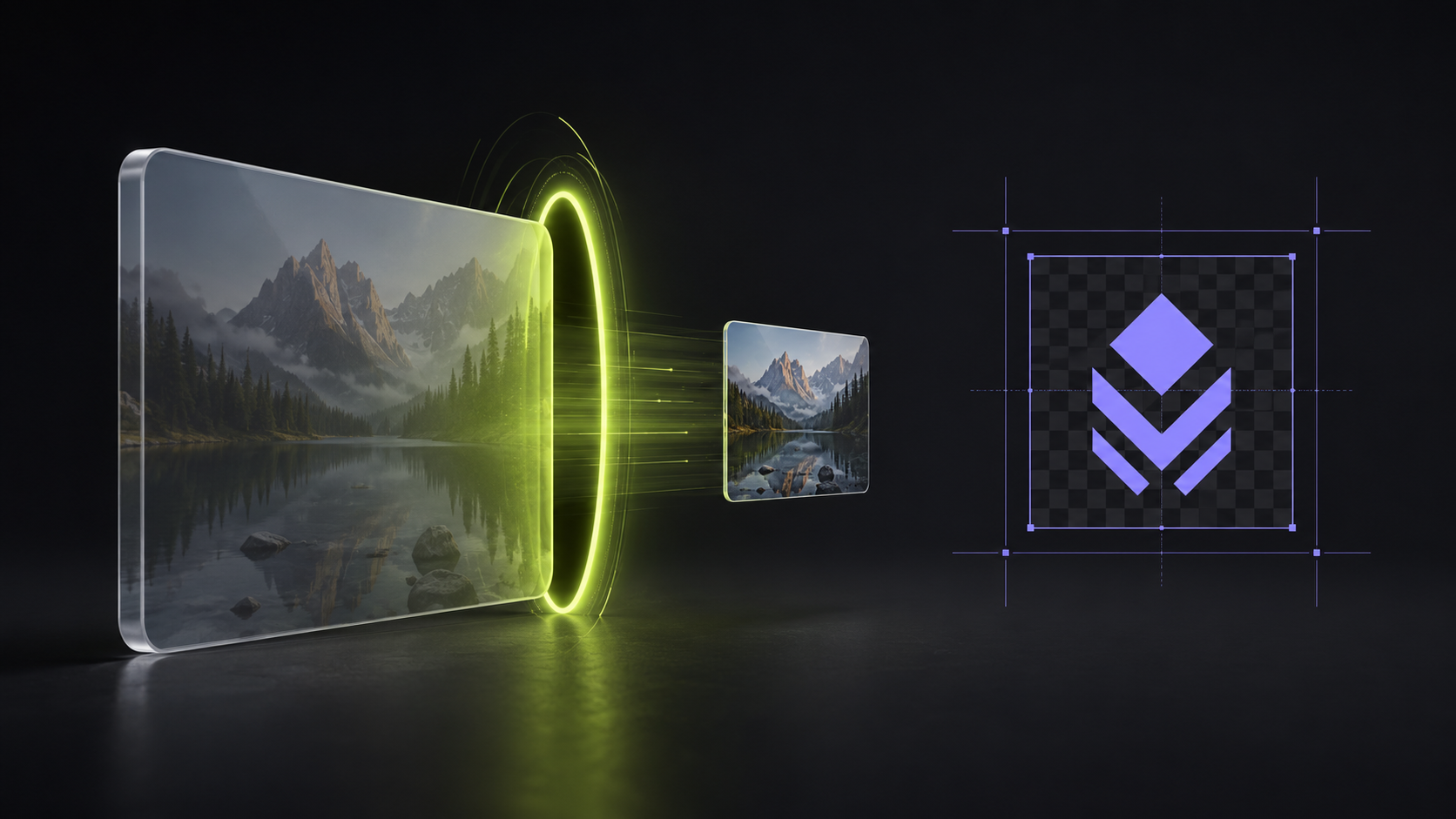
Half the "slow website" complaints on the internet trace back to one cause: images shipped at five times the size they're displayed. And half the "file too large" errors: email attachments, CMS uploads, marketplace listings, visa applications, trace back to the same thing from the other direction. Both problems have a two-minute fix in your browser: our new free image resizer & compressor, which resizes by pixels or percent, compresses with a live file-size readout, and has a canvas mode that solves the awkward logo-into-a-square problem properly. Here's how to use all of it, and why the kilobytes genuinely matter.
Why image file size matters more than people think
- Page speed is a ranking and revenue factor. Images are typically the heaviest thing on a page, and Google's Core Web Vitals measure how fast your largest visual element loads. A 3 MB hero photo that could be 150 KB is a self-inflicted penalty on every single visit.
- Mobile visitors pay for your bytes. Oversized images burn data allowances and stall on weak connections: the visitor doesn't wait, they leave.
- Hard limits are everywhere. Email providers cap attachments, forms cap uploads, marketplaces cap listing photos. Knowing how to hit "under 200 KB" on demand is a small superpower.
- A 4000px image in a 400px slot is pure waste. The browser downloads sixteen times the pixels it can display. Resizing to the real display size is the single biggest saving available, before any clever compression even starts.
Resizing: exact pixels or a percentage
Drop an image (or a whole batch) into the resizer : nothing uploads, everything runs locally in your browser tab. Then either type the exact output size with the aspect-ratio lock on (set the width, the height follows automatically), or just enter a percentage to scale proportionally. Large reductions run through stepped high-quality resampling, so a big photo shrunk to a thumbnail stays crisp instead of going jagged the way naive resizers do.
Compressing: watch the kilobytes fall in real time
The compression story is one control and one number: drag the quality slider and the file size next to it updates live: the actual encoded size, not an estimate. Between that and the preview, you compress by sight: pull the slider down until just before you can see a difference, and read off exactly what you'll download.
Two moves cover almost every compression job:
- Same dimensions, smaller file: leave the size untouched, lower the quality, or simply switch the format to WebP , converting a PNG to WebP alone frequently cuts the file size dramatically with no visible change.
- Smaller dimensions AND smaller file: resize to the display size first, then tune quality. This is the web-performance combo, and where the biggest "3 MB → 90 KB" wins come from.
Rule of thumb: photos going on the web want WebP at 75–85% quality, sized to their display dimensions. That one habit fixes most heavy pages.

Canvas mode: the logo-into-a-square problem, solved
Here's the situation every brand owner knows: a platform demands an exact size, 1080×1080, 500×500, a wide banner, and your logo is the wrong shape for it. Cropping cuts the logo. Stretching deforms it. Uploading it as-is lets the platform mangle it for you.
Switch the tool to Fit inside canvas and the problem disappears: the output becomes exactly the dimensions you typed, and your image sits centered inside, untouched. Then two controls make it yours:
- Image size in canvas (%) : 100% fits the logo edge-to-edge; drop it to 80–85% and the logo gets breathing room, which is exactly how professional app icons and profile pictures are composed. Push above 100% and it fills past the edges for a deliberate crop.
- Canvas background , keep it transparent (PNG/WebP) so the logo floats on whatever the platform puts behind it, or pick a fill color to sit it on your brand color. A logo centered at 85% on a brand-colored square reads as designed; a logo squashed into a square reads as an accident.
Concrete uses: profile pictures for every social platform, app and favicon source images, marketplace and directory listings that force squares, padded versions for dark and light backgrounds, and turning a wide wordmark into a usable square mark without butchering it. If your logo still has a background baked in, run it through the free background remover first, thirty seconds, so canvas mode's transparency actually shows through.
The pipeline around it
The resizer slots into the same free toolbox as everything else here: make the logo transparent, resize or pad it here, generate the favicon pack, get every social platform's exact sizes in one ZIP when you don't want to choose numbers yourself, or skip raster sizes forever by converting the logo to SVG. Animated files have their own diet plan, the GIF compressor covers those, and when the logo is finally the right size everywhere, the free animator is how it starts moving.
FAQ
How do I reduce an image's file size without changing its dimensions?
Keep the size at 100% and lower the quality slider, or convert to WebP, the live readout beside the slider shows the exact compressed size before you download.
How do I make my logo fit a square without cropping it?
Canvas mode: type the square's dimensions, choose Fit inside canvas, scale the logo to around 85%, and pick transparent or a fill color. The output is exactly the required size with the logo intact.
Will resizing make my image blurry?
Downscaling here uses stepped high-quality resampling, so smaller versions stay sharp. Enlarging can't invent detail: for logos that need to go big, a vector SVG is the right route.
Is there a limit on how many images I can resize?
No. Drop a whole batch, apply one setting to all of them, and download the lot as a single ZIP. It's free, with no watermark and no account.
Open the image resizer & compressor, drop in the heaviest image on your website, and watch what the quality slider does to the number. It's the fastest before/after in web performance.