A logo that slowly rotates in 3D is one of those small touches that makes a brand feel bigger than it is. You see them on YouTube intros, stream overlays, website heroes and loading screens, and they usually mean a trip into After Effects or Blender, or a paid freelancer.
You don't need any of that. Here's how to turn a flat logo into a smooth, seamless spinning 3D loop in a couple of minutes, entirely free in your browser.
What makes a good spinning logo loop
Two things separate a professional spin from an amateur one:
- It loops seamlessly. The end frame has to line up perfectly with the start, so there's no visible jump when it repeats. Getting this right by hand is fiddly. You have to match the rotation to an exact number of cycles.
- It's exported in the right format for where it's going: transparent for overlays, solid for social, the correct aspect ratio for the platform.
Our 3D Logo Spin maker handles both automatically. The recorder captures exactly one full animation cycle, so every export is mathematically seamless. It will loop forever without a stutter.
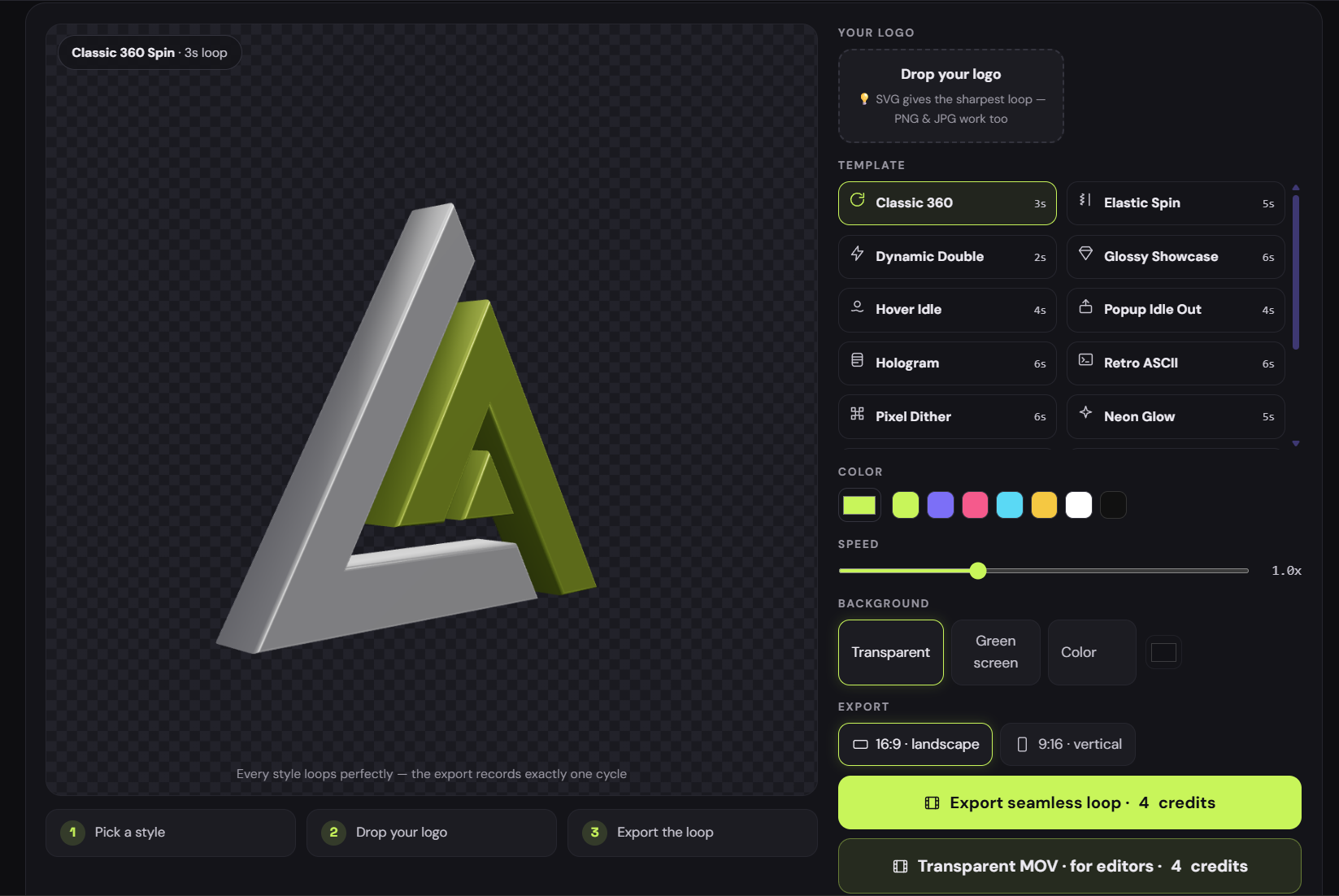
Make one in three steps
- Upload your logo. A transparent PNG or an SVG gives the cleanest edges. It spins up live in the preview immediately.
- Pick a look. There are 16 ready-made templates. No settings to wrestle with. Choose one, tune the colour and speed, and you're basically done.
- Choose your frame and export. Pick 16:9 for widescreen or 9:16 for vertical/stories, then export a full-HD seamless loop.
Everything runs locally in your browser, your logo never uploads anywhere.
The 16 looks, and where each one fits
You don't have to build anything from scratch, just pick the vibe:
- Classic 360 : a clean, straight rotation. The safe choice for almost any brand.
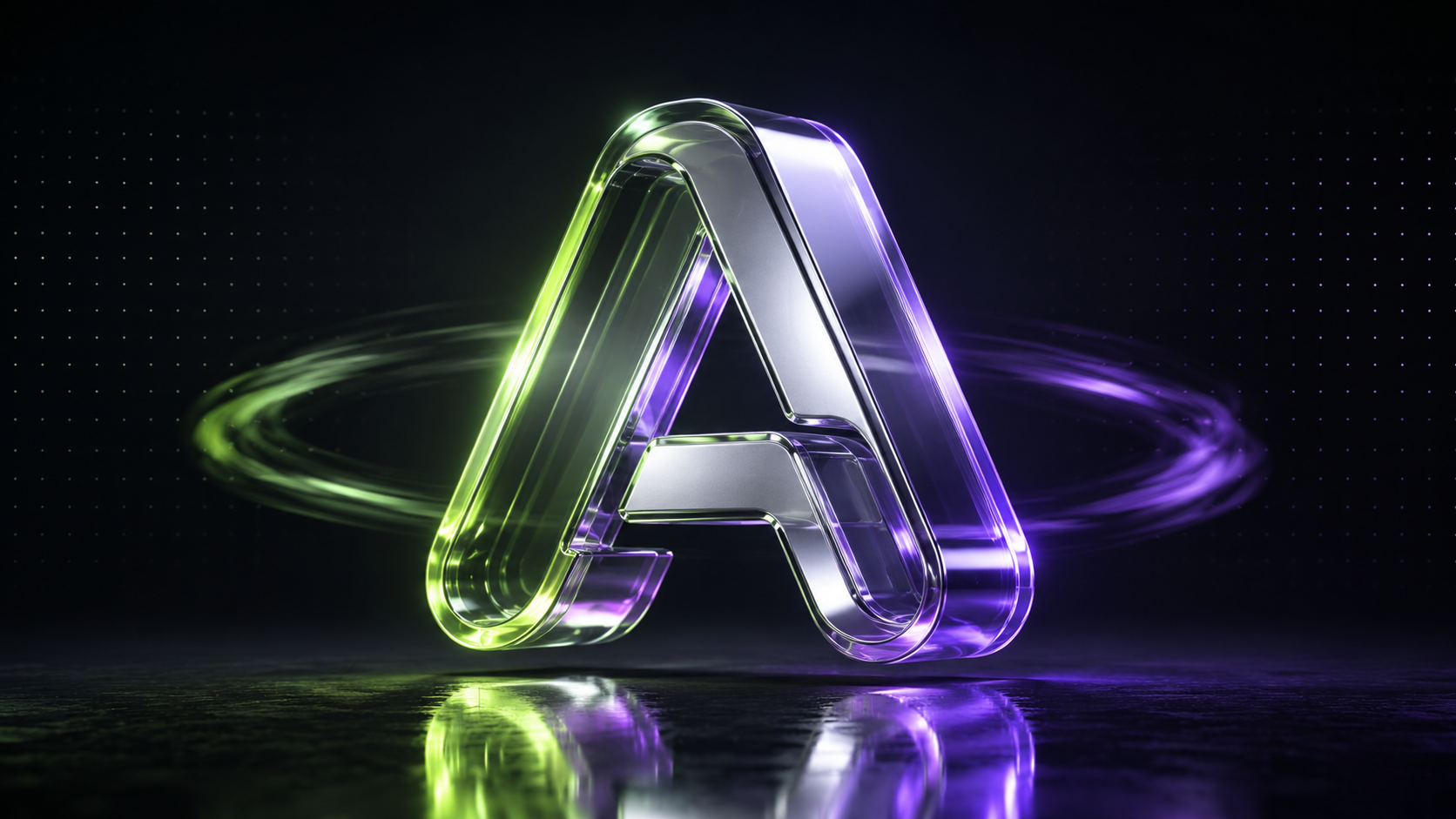
- Glossy with a mirror floor , a reflective showroom look that feels premium.
- Hologram : scanlines and glitches for a techy, futuristic feel.
- ASCII retro , your logo rendered in retro terminal art.
- Pixel dither : a lo-fi, retro-game aesthetic.
- Neon glow : bright and punchy, great for gaming and music channels.
- Elastic spin , a bouncier rotation with personality.
…plus more variations on chrome, glass and colour. Try a few, switching templates is instant.
Transparent or green-screen? (read this before you export)
This trips people up, so here's the short version:
Use transparent WebM if your editor supports it. Use green-screen MP4 if it doesn't.
The tool exports a transparent WebM with a real alpha channel, which drops straight onto any background in Premiere, DaVinci Resolve, CapCut and OBS with no extra work. The catch: MP4 cannot store transparency. So if your workflow needs an MP4, export the green-screen version instead and key out the green in one click inside your editor.
Need a GIF instead: for an email signature, a chat app or a website badge? Export the video, then run it through our free GIF Compressor, which converts MP4 to GIF and shrinks it. If you're unsure which format belongs where, our Lottie vs GIF vs MP4 guide lays it out.
Where to use a spinning logo
- YouTube intros and outros , a two-second spin makes a channel look established.
- Twitch and stream overlays , a transparent loop in the corner adds motion without distraction.
- Website hero sections , a slow rotation draws the eye on landing.
- Loading screens and app splashes , a seamless loop is perfect while something loads.
- Social posts and reels , export 9:16 and you're ready for stories.
When you want more control
3D Logo Spin is deliberately the quick, no-fuss option. When you want to go deeper, two of our other free studios take over:
- 3D Logo Animator , the full 3D studio: 68 animations, 15+ materials (gold, chrome, glass, holographic, carbon), lighting, floors, particles and glow.
- Logo Animator : 120+ 2D animation effects with GIF and MP4 export, if you don't need the 3D depth.
Wrap-up
A spinning 3D logo used to mean specialist software and hours of work. Now it's pick a template, tune two sliders, and export a seamless loop: free, in the browser, with no watermark on the preview.